
How to Close All Trades at Once in MT5 is one of the best trading platforms. The application offers more features for analysis, execution, and risk management compared to its predecessor, MetaTrader 4. However, its learning curve can be more challenging compared to MT4, but it is worth it in the long run. Close All Trades.
Knowing how to close all trades at once in MT5 is a valuable skill that every trader, whether new or seasoned, should master. This trick can come in clutch if you have multiple positions open in fast-moving markets where every second counts.
Click this related post for content that builds on what you just explored.
Why Would You Need to Close All Trades at Once?
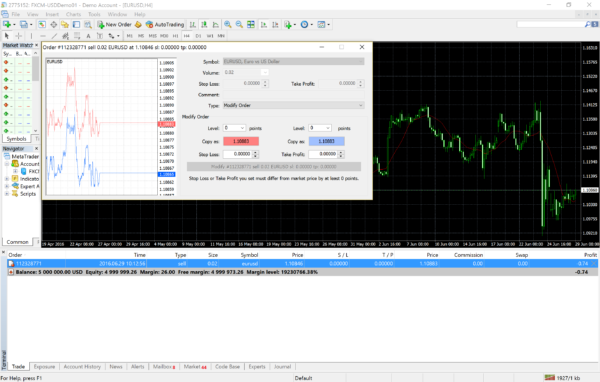
Traders often experience situations where the markets make sudden movements against their trades or speculations. Closing open trades one by one takes time, depending on how many positions you have open.
As a trader, you may want to close multiple trades because of breaking news or during high-volatility periods to protect your capital. Learning how to do this the smart way is an essential skill for any new trader.
How to Close All Trades at Once in MT5

If you search for how to close all trades at once in MT5, you will find many results, including the use of free custom scripts. However, most of the options aren’t ideal, especially if you are still new to trading and using MT5.
Below are simple ways to get things done without relying on expert advisors or custom close-all scripts.
§ On the MT5 Desktop Platform
Closing multiple trades at once on the MT5 desktop application is easy. Find the “trade” tab, usually located in the “terminal” window. Right-click anywhere in the tab to open a context menu.
Under the context menu, you will spot “bulk operations.” Click it and choose your desired operation, which in this case is “close all positions.”
§ On the MT5 Smartphone Platform
The iOS and Android versions have options to close multiple orders at once. To do so, head to the “trade” window and tap on the three dots within the “positions” tab to access the “bulk operations” button. From there, you can close all running trades by tapping the “close all positions” button.
Tips for New Traders When Closing Multiple Trades

Closing multiple open positions simultaneously is not usually an ideal move. What should you do if you cannot access your trading at the moment? There are many ways to help you avoid having to close all your trades at once in MT5.
§ Set up Stop-Loss and Take-Profit Levels
A solid risk management plan will take care of all open trades. Setting your stop-loss and take-profit points will reduce the need to close all your trades during emergencies.
§ Avoid High Leverage
Taking risks is how the best traders make their money. However, if you are new to the game, steer clear of high leverage since it carries massive risks. Having multiple high-leverage positions running simultaneously increases the chances of needing to close all trades quickly.
§ Practice on Your Demo Account
Practice using expert advisors to close all trades on your demo account. This will help you understand how it works without risking your capital.
Tap here to explore more content and uncover ideas that truly inspire at Gigwise Magazine.
About the Author