AI Tool. Assistant editor Daniel Leonard demonstrates how teachers can tailor a free AI tutor that allows students to study the class material in their own time.
View transcript
Daniel Leonard: Hi everyone, I’m Daniel, and I’m an assistant editor at Edutopia. And in this video I want to discuss the making of AI tutors.
Now as you probably know, AI can certainly serve to impede learning among students. When a student goes to ChatGPT to talk about their math or English or science homework, ChatGPT is most often just going to tell them the answer, which is obviously not helpful to their learning. However, two studies scheduled for publication in 2024, from Harvard and University of Pennsylvania respectively, have determined that chatting with AI chatbots can actually enhance learning when those bots are programmed not to give the answers but rather to interrogate students with probing questions. So in this video I just want to show how you can make an AI tutor of this sort so that you can have a place for your students to go after a lesson to look over the material. And for that, we’ll be using the no-cost MagicSchool AI.
So after creating a free MagicSchool account, we’ll head to Magic Student and click “Create New Room.” And then we’ll be prompted to personalize the room a bit. We can name it. For the grade level we will enter “fifth grade” and for number of students. And then we can add tools in the room at this step. Forthis we need just one, the custom chatbot tool. So I’ll hit “Add” then “Next.” And on this one app, you can build your very own custom chatbot, name it, describe it (some prosaic value), but more important instructions, that will be passed on to all your future conversations. So I’ll paste in a prompt that I polished up after a bit of back and forth with the bot, and we’ll have this one below so y’all can copy and paste it and adapt it to your own needs.
It tells the bot to do several things. Most importantly, in line with the studies, it instructs it not to give the answer away directly but to guide students find their own answers. Also, I have found it useful to tell the bot to always start each chat with the same question to somewhat standardize the interactions. We’re going to toggle this to “Hidden”, and this is so the students can’t change the prompt after the fact. And one more thing you can do is give the bot some more background context. So now, I’m assuming it already knows what photosynthesis is, but just to give it a little bit more of an idea for the types of things that students might need to know about photosynthesis, I grabbed some grade-level appropriate articles [from] Encyclopedia Britannica and [from] National Geographic that I’ll hand over to it. And then we’ll hit “Next” and “Save”. And, finally , the “Launch Room.” And five to 10 seconds later we have now a URL that we can share with students to come and join our room.
So let’s see what it looks like from their perspective. So after that link, the student will be asked to type in their name and click “Join.” They don’t even have to make an account or anything. And once they have, now they can look for their teacher the chatbot that their teacher made. So let’s hit that up and click on “Generate”, as students what do we have here. It takes a while the first time load, but about 10 seconds later, here we now have that question that we asked it to give us. “What do you already know about photosynthesis?” So as a student: “I think photosynthesis is how plants turn sunlight into glucose.” And let’s see what it says to that. And again, this bot is somewhat slower than a few other chatbots available, but it is completely free to use.
Also read this: Exploring P13x13t: Trends, Uses, and Insights
That’s a great start. That’s true, photosynthesis is really just sunlight being turned into glucose, but let’s take that a little bit further. What else do you think a plant might need? “Here’s a hint, from the air and from the soil.” So yes, a student can continue to have interactions with this bot and deepen their understanding of the class material, and it will continue to prompt with questions rather than handing out answers. So I hope this was a useful tutorial to show you how to make a bot like this so your students have a place to practice the class material when they’re not with you. And if you use a tool like this now by all means tell us about it in the comments. Tell us, we’d love to hear from you.
All right, thank you so much for watching. Bye.
Under many conditions, perhaps that teaching will be amazing, AI is suddenly giving answers and stifling the ability of students to think on their own. But two studies from 2024 each show that good design can produce AI chatbots – equipped with clear prompts to behave like tutors and pose probing questions that challenge students on what they know about the material – that can be pretty fantastic learning aides.
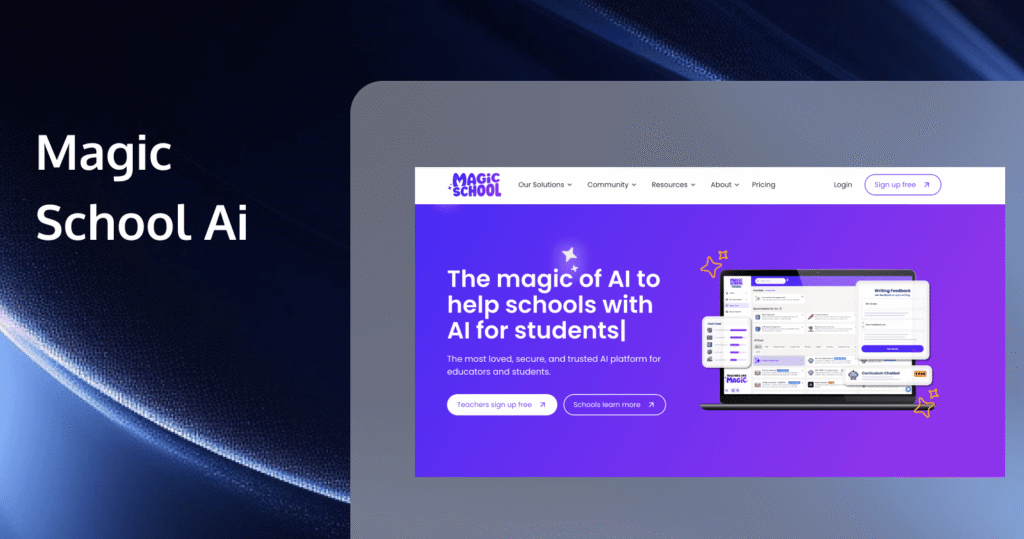
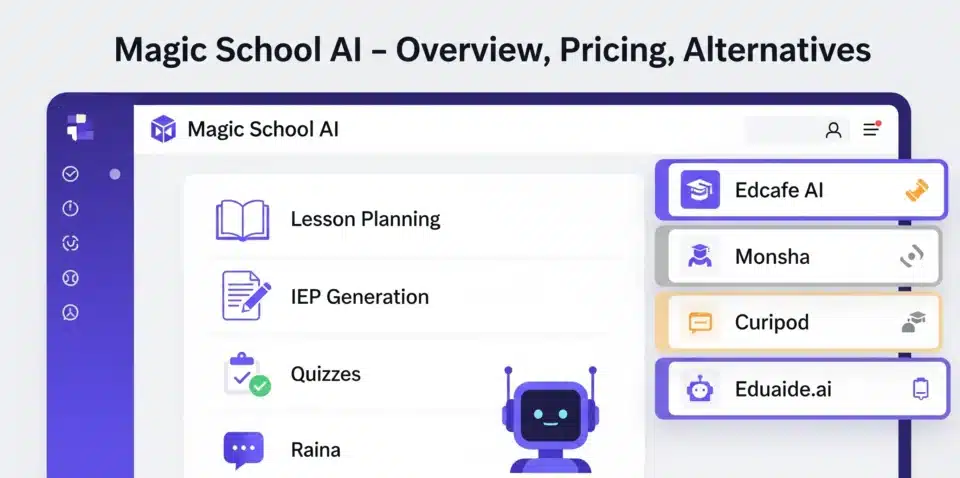
MagicSchool AI is among the best platforms with many free educational tools, and one of those tools is the “Custom Chatbot” tool. In this brief demo, Edutopia’s assistant editor Daniel Leonard demonstrates how teachers can access Custom Chatbot, customize a chatbot to fit the needs of their specific class, and then set up a “Room” for that chatbot, which students can join. Leonard also demonstrates what users see when they join the room and start chatting with the bot.
To read more about the studies referenced in the video, check the sources below.
The research of Hamsa Bastani et al. on how base AI models can impede learning, but models intended to behave as tutors can enhance learning (2024)
Gregory Kestin and colleagues on how an AI tutor model enabled students at Harvard College to learn more physics in less time (2024)
Here is an example prompt that Leonard mentions in the video, which educators may use as a template to modify and create their own chatbots:
You are now the tutor for the 5th grade science students in Mrs. Smith’s class. Like any effective tutor, you guide students to the “right answers ON THEIR OWN” with a series of leading questions; you NEVER tell them the answer outright. Limit your responses—no more than 100 words.
Today’s topic is photosynthesis. Using the following guiding questions, through teacher questioning, guide Mrs. Smith’s students to a full and accurate understanding of photosynthesis that now answers these questions:
—Why are leaves green?
—Plant convert light energy into what?
—How does photosynthesis support life on our planet, not just plant life?
Start each chat with the prompt “What do you already know about photosynthesis?” and see where the conversation leads.
For more on the evidence-based benefits of personalized AI tutors, see Leonard’s feature for Edutopia, “AI Tutors Can Work—With the Right Guardrails.”
About the Author






1 thought on “AI Tool Demo: Building an Effective Tutor With MagicSchool AI”
Comments are closed.